If the PTZ control interface is unresponsive, you can handle it as follows:
1 Check the code converter according to the steps in the previous articles;
2 Install the corresponding PTZ control patch;
3 Contact the equipment supplier for technical support.
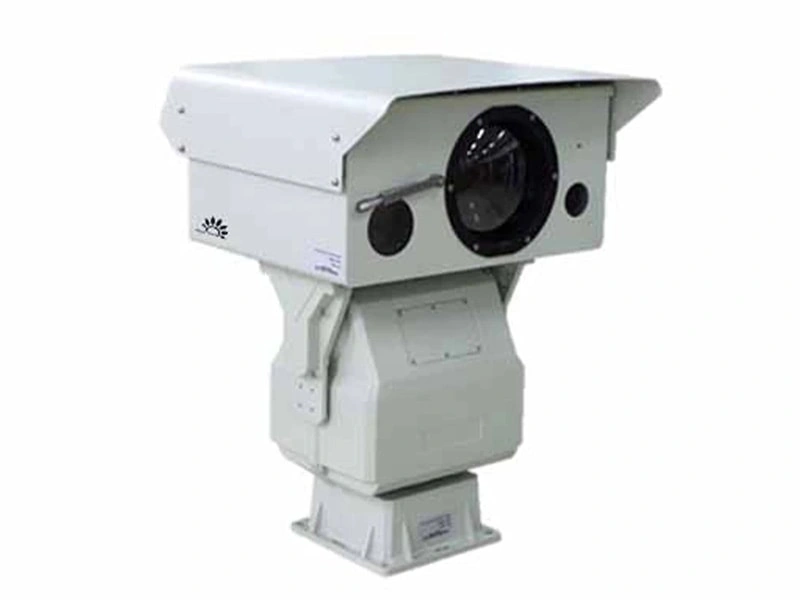
If only some functions of the PTZ camera fail, check whether the relevant cables (such as the lens zoom control cable) are loose, or test whether the output of each decoder port is normal. Automatic rotation of the PTZ camera is mostly caused by signal interference. It is recommended to use shielded cables and keep the equipment away from high-voltage devices.

Copyright © 2026 by KONWER Technology Co., Ltd. All Rights Reserved