When the code conversion light of a PTZ camera fails to flicker, the fault usually stems from software or hardware issues.
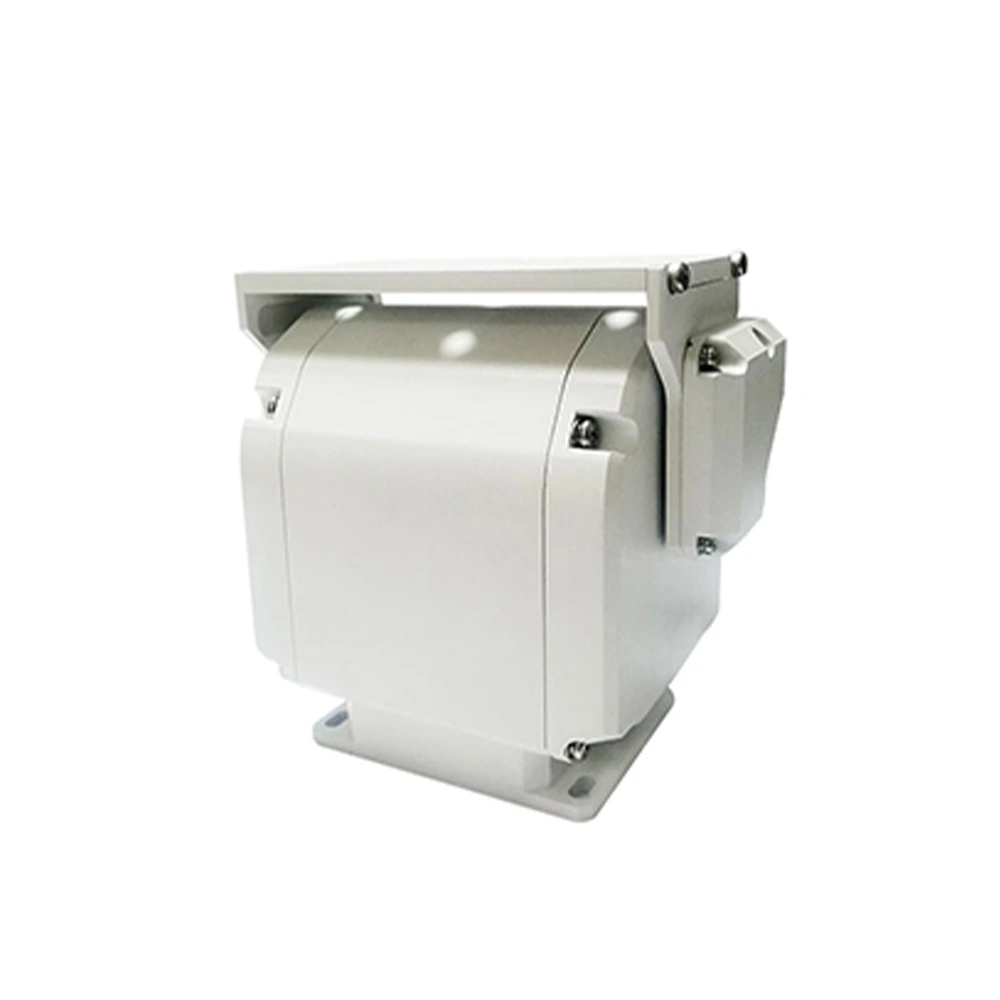
First, check the decoder settings in the PTZ control software, focusing on parameters such as protocol, COM port, and baud rate. If the settings are correct, try switching the COM port (e.g., from COM1 to COM2) to rule out interface damage.
If the problem persists, inspect the hardware connections. Open the 9-pin to 25-pin adapter and confirm the wiring follows the standard 2-2, 3-3, 5-7 configuration. Meanwhile, use a multimeter to test the power supply of the code converter (the normal rating is 9V/500mA).
If the power supply is normal but the light still does not flicker, the code converter is basically determined to be damaged and needs to be replaced.
The stable operation of a PTZ camera relies on reliable signal transmission, and abnormal operation of the code conversion light will directly affect the camera’s control function. It is recommended to inspect the equipment cables regularly to prevent PTZ camera out-of-control caused by poor contact.

Copyright © 2026 by KONWER Technology Co., Ltd. All Rights Reserved